Capiero turns receipts, rent payments, and property activity into clean books by address. Capture expenses as they happen, keep income organized, and export accountant-ready PDF and CSV reports when it's time to file.
Schedule E-aligned categoriesReceipts preserved with every expensePDF and CSV exportsYour records stay yours
The Capiero workflow
A cleaner path from receipt to report.
Capture expenses in the moment, keep each property's books organized, and generate the reports your accountant, lender, or team needs. Capiero keeps the daily work light so the final handoff is already prepared.
Capture the source before it gets lost.
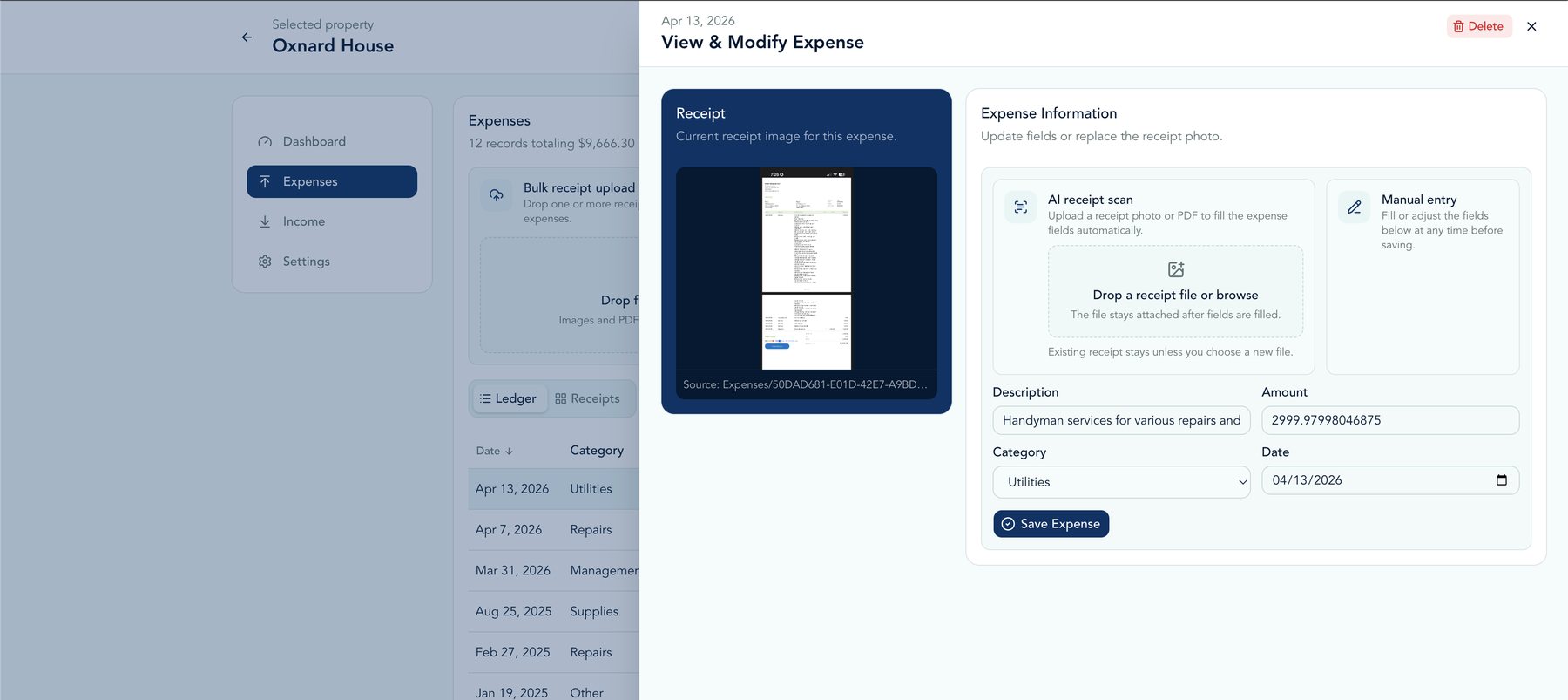
Add expenses from the camera, photo library, files, or manual entry. Capiero reads the receipt, suggests the key fields, and keeps the original document with the record.
Flexible capture. Add receipts as photos, PDFs, shared files, or manual entries.
AI-assisted details. Vendor, date, amount, and category are suggested for review.
iOS shortcuts. Share receipts from other apps or open capture from the Lock Screen.
Each property gets its own set of books.
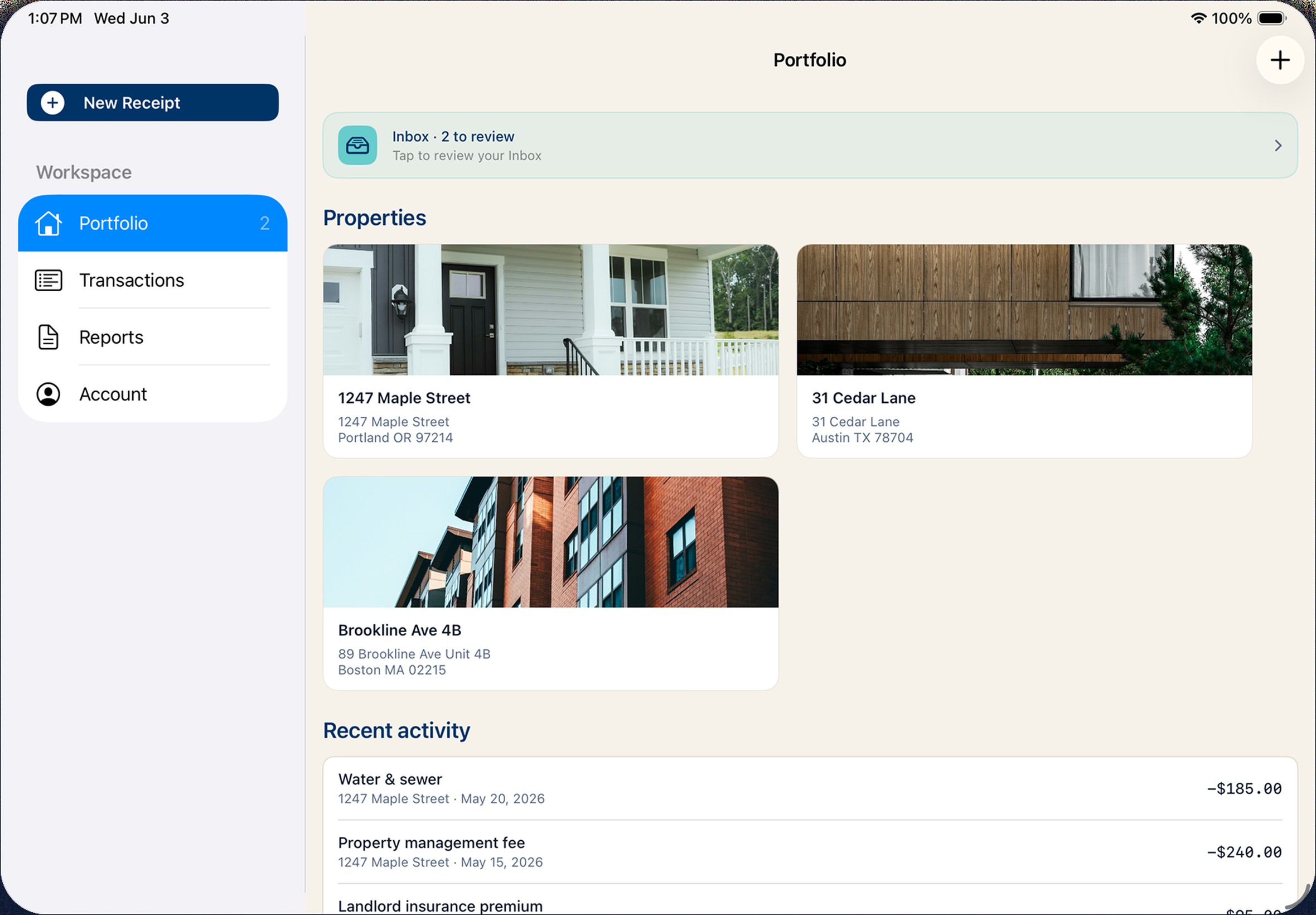
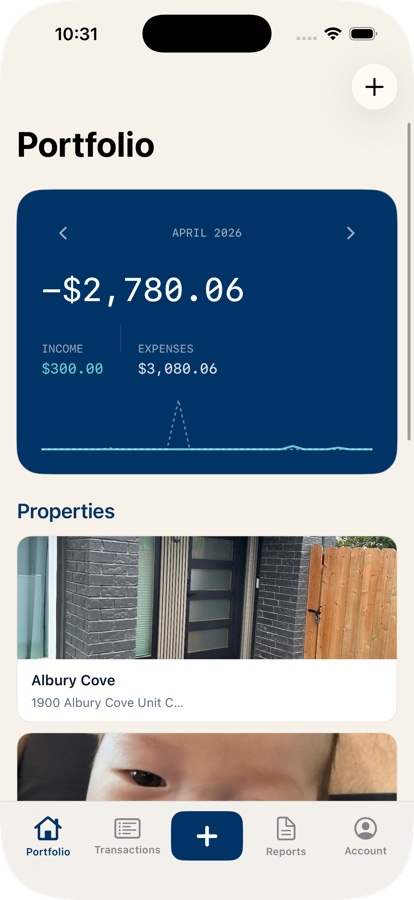
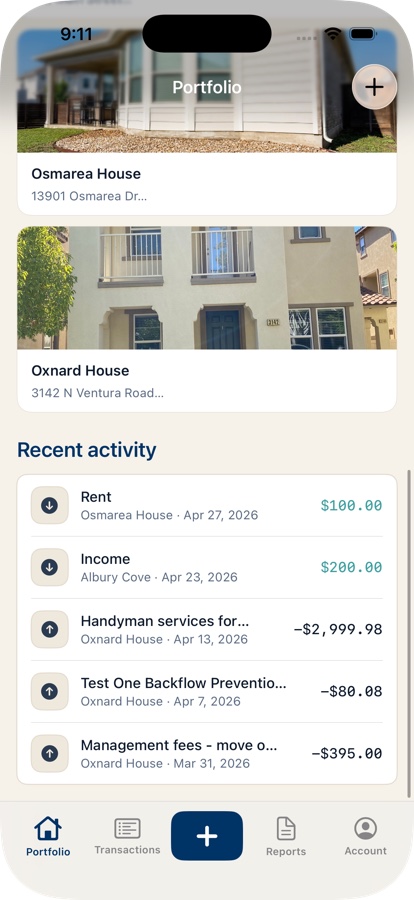
See income, expenses, and net performance by address, with portfolio rollups when you need the full picture. Capiero keeps every transaction tied to the property it belongs to.
Property-level clarity. Monthly net, income, expenses, and category breakdowns stay scoped to the right address.
Portfolio-wide context. Review all activity together, then filter down to a single property.
Real estate categories. Repairs, mortgage interest, management fees, utilities, and other Schedule E categories are built in.
Prepare the records people ask for.
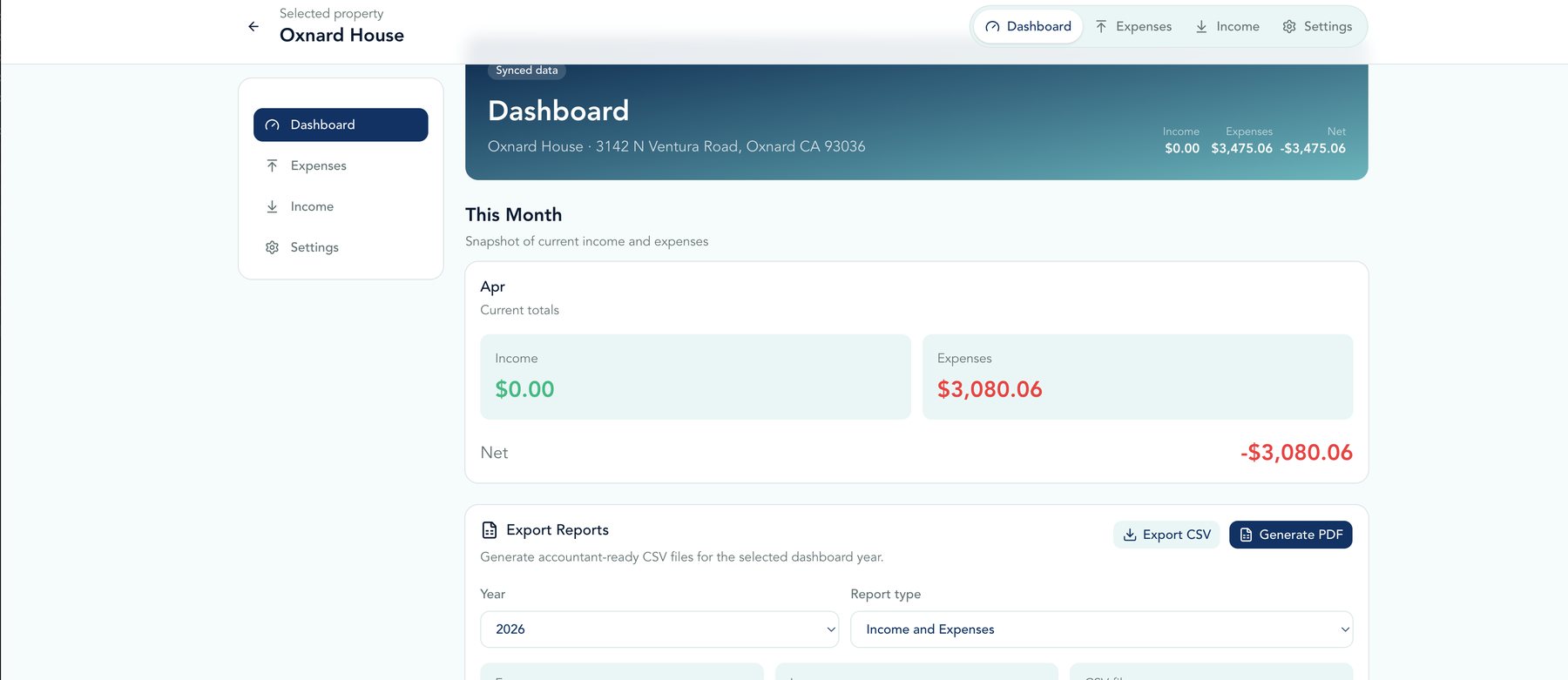
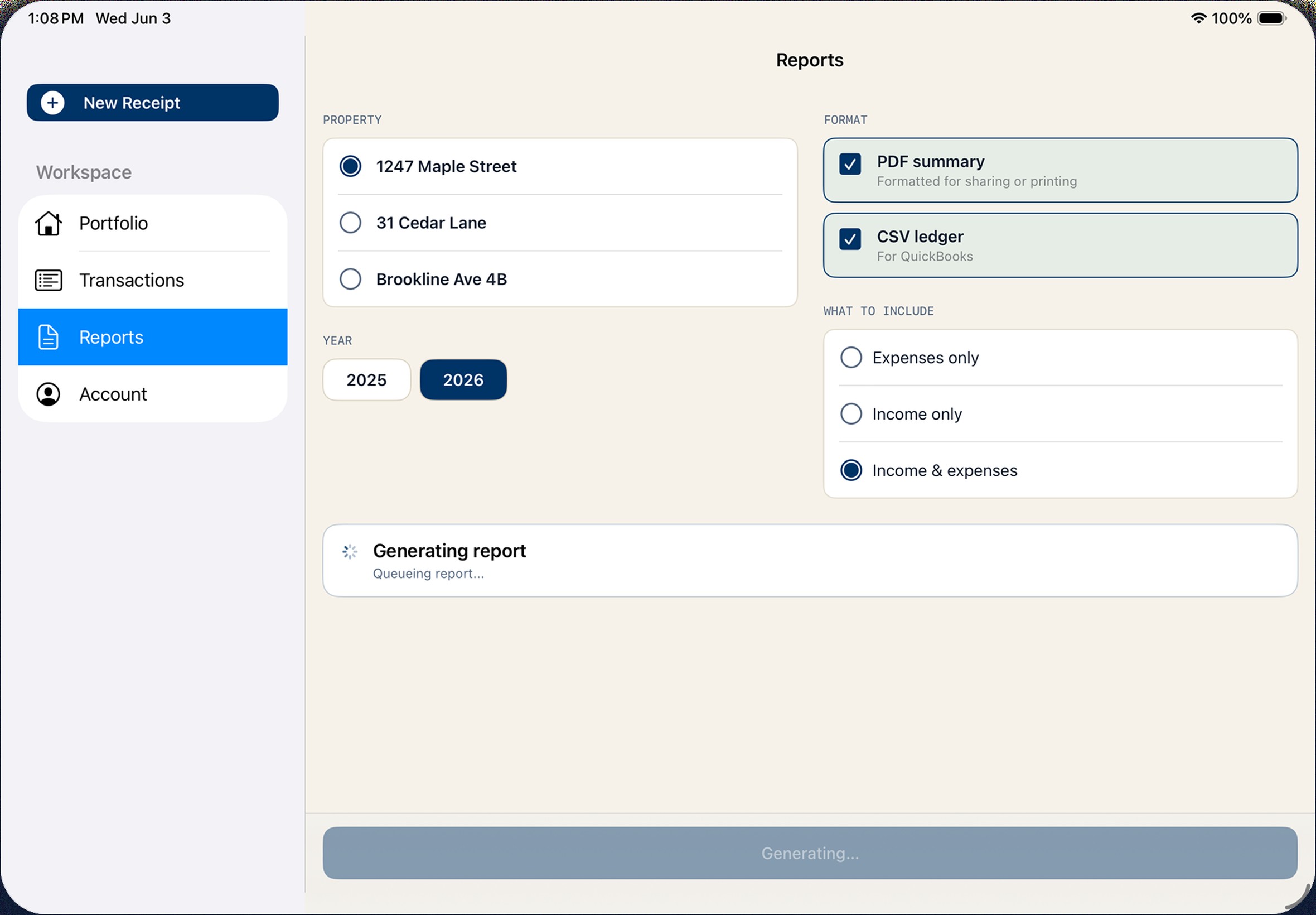
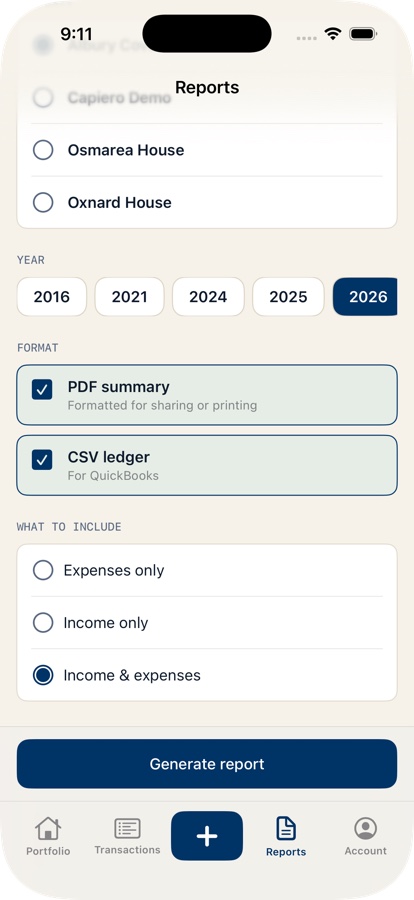
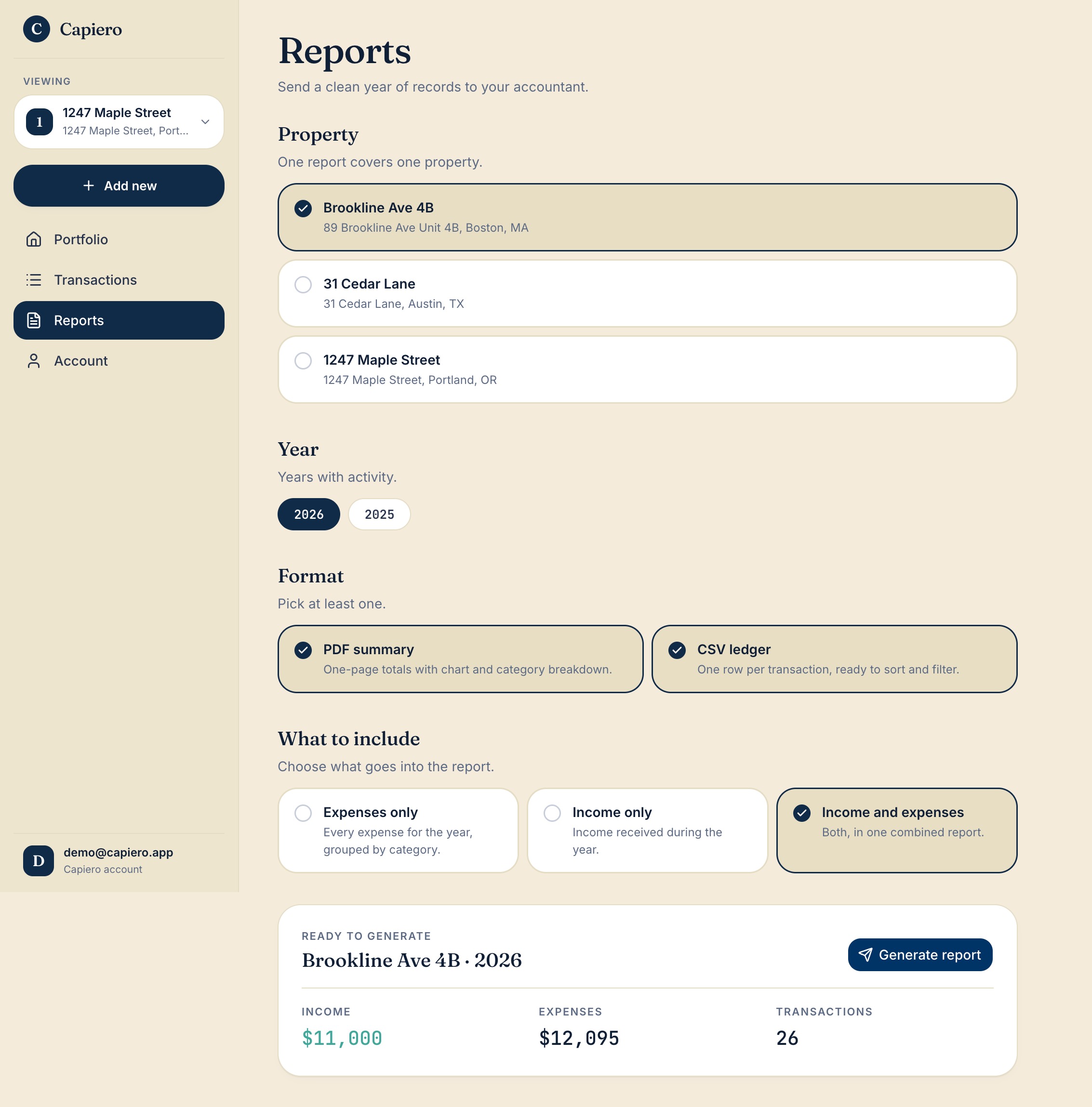
Choose the property, period, format, and scope. Capiero packages the right records into a polished PDF summary and matching CSV ledger.
Clear PDF summaries. Totals, category breakdowns, and transaction detail are formatted for review.
Structured CSV ledgers. Export the same records in a spreadsheet-friendly format.
Flexible scope. Include income, expenses, or both for the property you choose.
iOS and browser · one ledger
Work where the records happen.
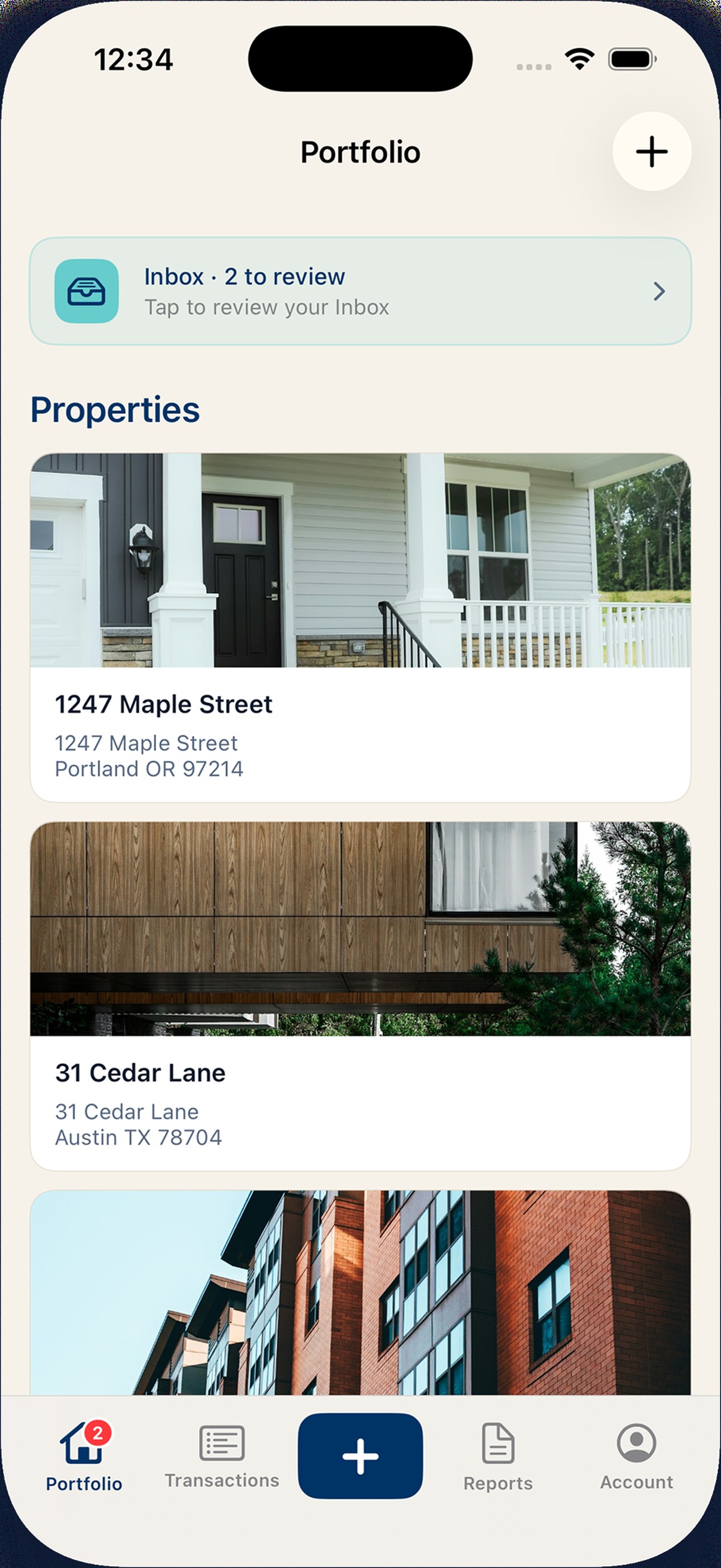
Use Capiero on iOS when receipts and payments happen on the go. Open it in the browser when you want a wider view of properties, transactions, and reports.
On iOS
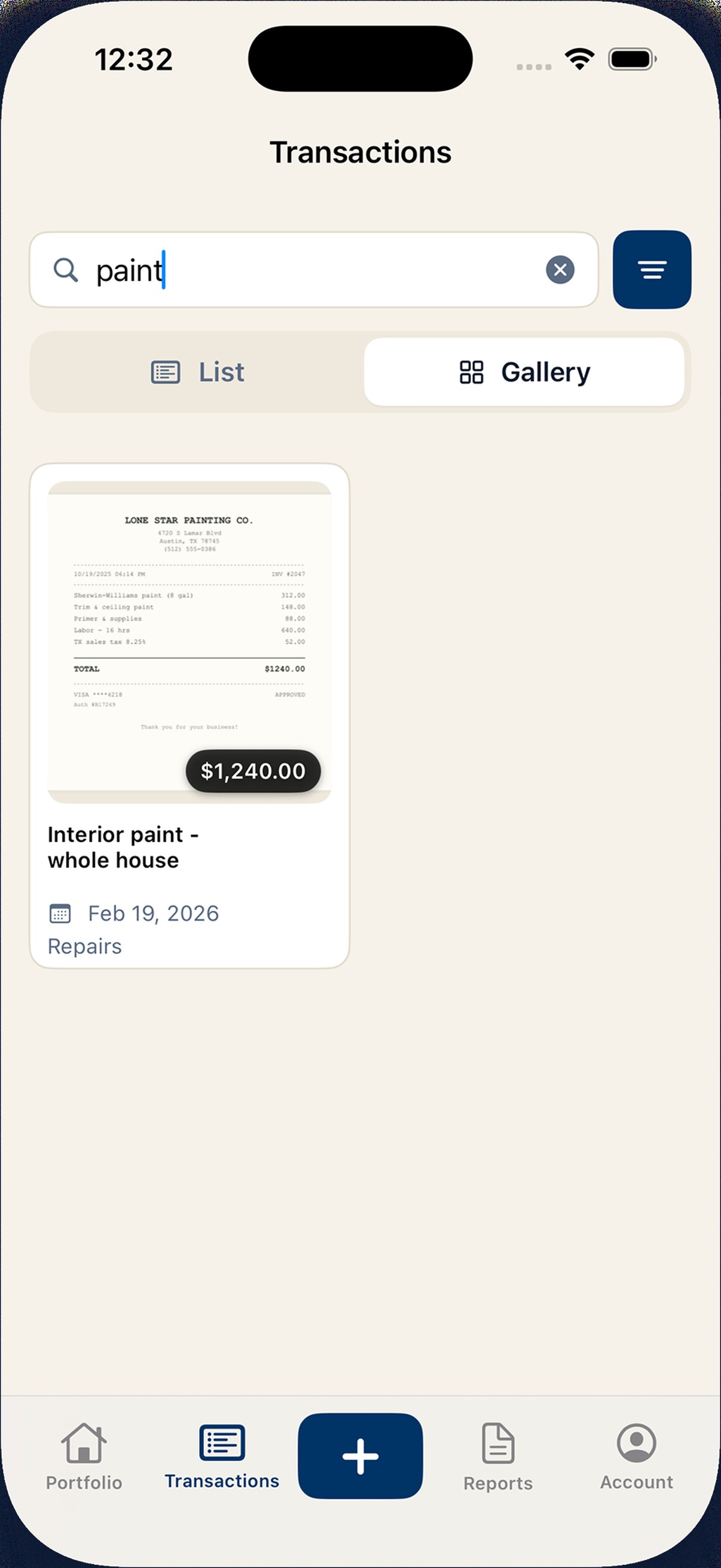
Capture receipts as photos, PDFs, or shared files
Start from the Lock Screen when speed matters
Review AI-suggested vendor, date, amount, and category
Keep Portfolio, Transactions, Capture, Reports, and Account within reach
In the browser
Review property performance side by side
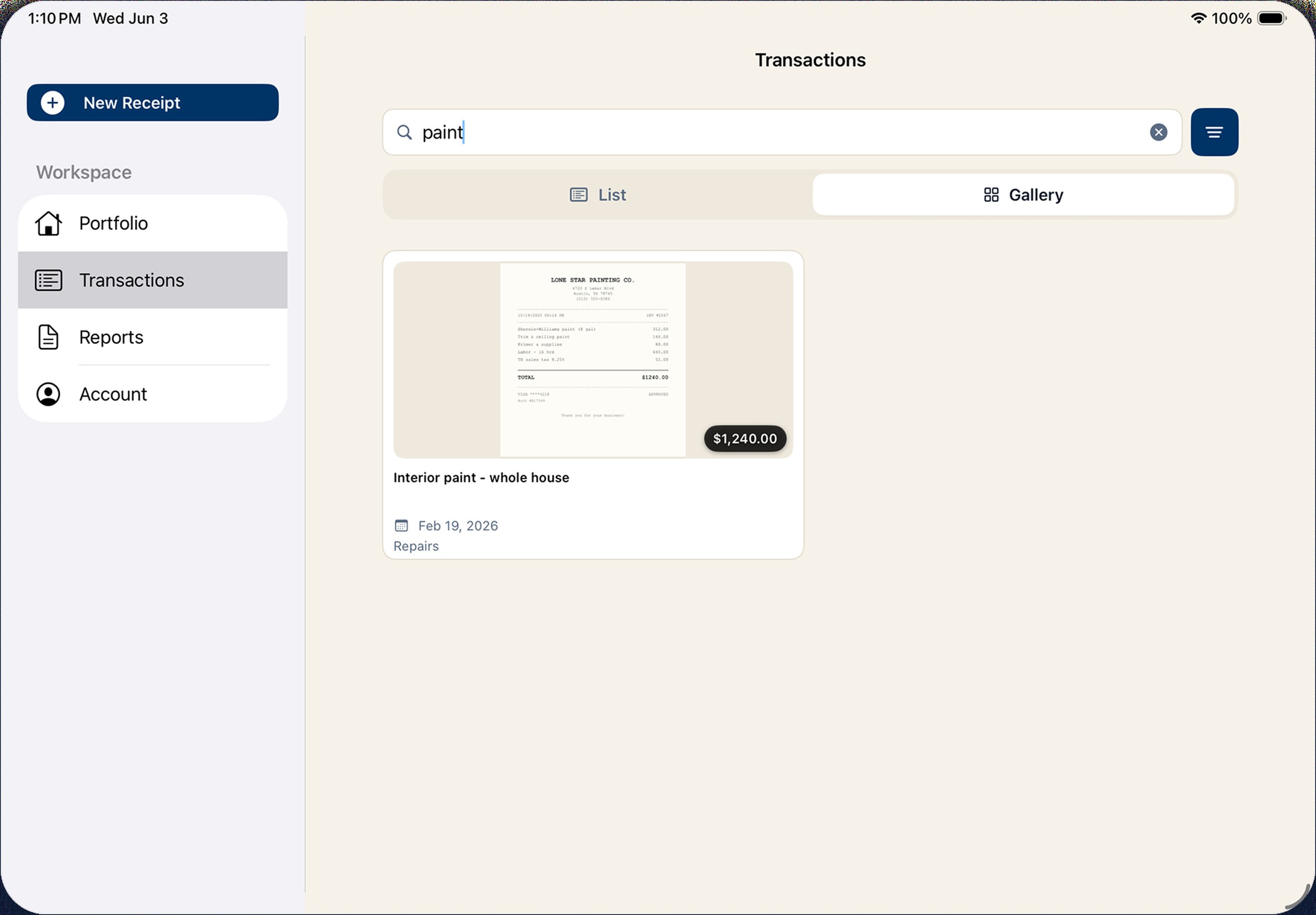
Search, sort, and filter the full transaction ledger
Open Capiero on a larger screen to review property performance, clean up transactions, and prepare report packages from the same books you use on iOS.
Every property, a click away.
Receipt details suggested in seconds.
Reports packaged for review and export.
Who Capiero serves
Built for rental owners who do the books themselves.
Whether you manage one rental or a growing portfolio, Capiero keeps property records organized for the people who rely on them.
1–3 doors
Keep the rental from becoming another job
For owners who want the records handled without building a bookkeeping system around a single property. Capture receipts as they happen, keep rent and expenses tied to the right address, and prepare report packages without rebuilding the books later.
Best for
Staying organized between accountant check-ins.
What changes
Receipts, expenses, and income stop living in separate places.
4–20 doors
Understand the business behind each address
For owners who need more than a folder of receipts and a catch-up spreadsheet. Capiero keeps the portfolio organized by property, so you can review performance, clean up transactions, and prepare records with less catch-up work.
Best for
Reviewing property performance and transaction history.
What changes
The portfolio becomes easier to inspect before someone asks for the numbers.
Ready when the records are needed
Books, kept. Reports, sent.
Keep each property's income, expenses, receipts, and reports in one place, so the next handoff starts from organized books.